Using Windows Live hotmail, you can organize your Inbox by creating filters to direct incoming messages to specific folders. for e.g i can use TechSurface folder for every comments drop on my site.
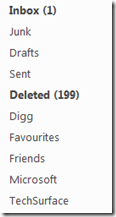
To do so, Follow the following steps:
- Sign in to your Windows Live ID or Windows Live Hotmail
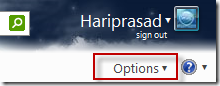
- Click on the Options –> more option
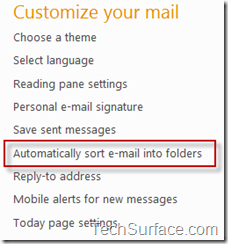
- Under Customize your mail, click on Automatically sort e-mail into folders.
- After that, Click on New filter button
Now, There are two steps to complete the operation:
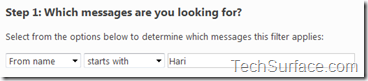
- In the Step 1, Set the condition to sort the E-mails, see below picture
- In Step 2, Select the Sorted E-mail’s Destination
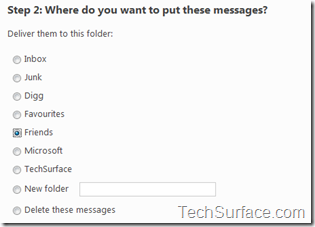
From above both step, my sorting condition is:
” If From name starts with "Hari" move message to Friends “ - Click on Save
Now, you have successfully organized your emails in sorted manner.
Technorati Tags: Windows Live,Tips

